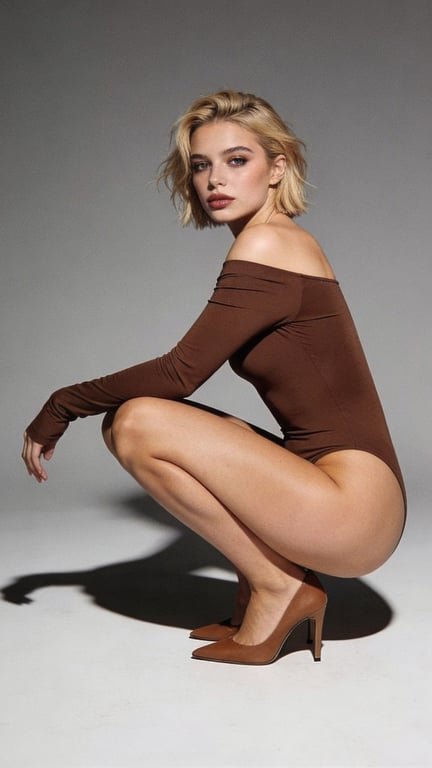
01 · Portrait
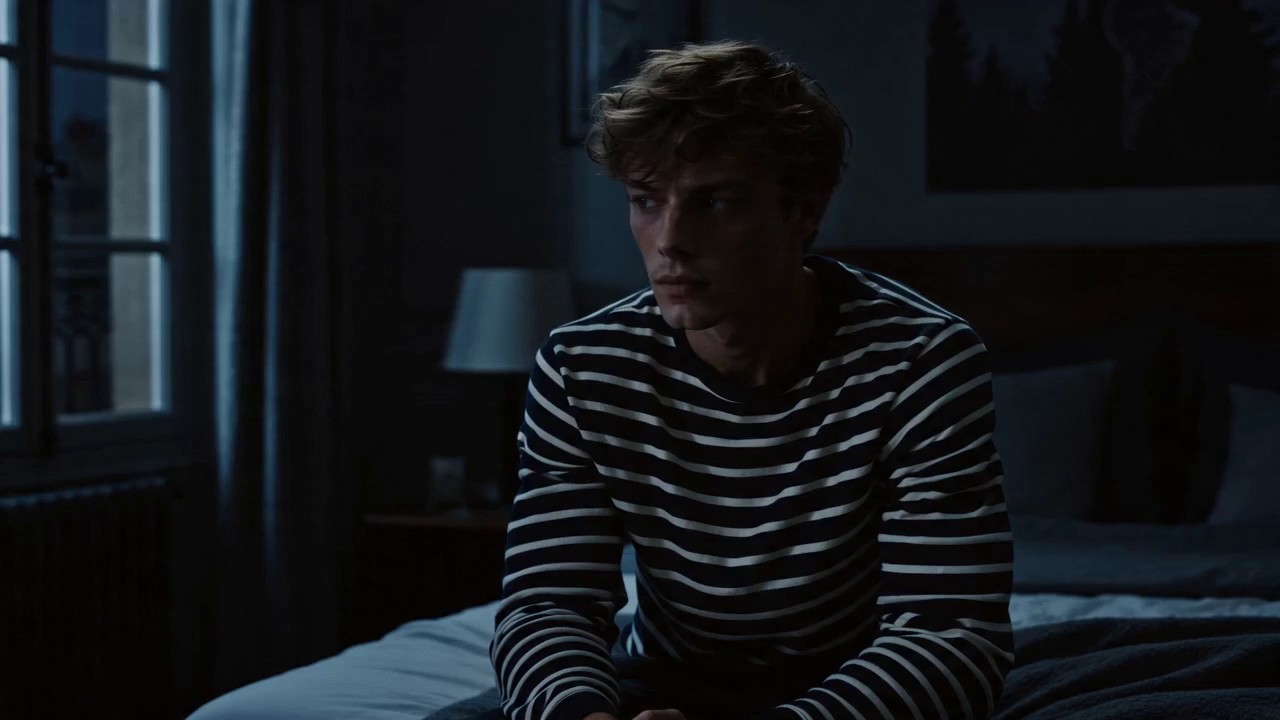
Generate and refine images with one-click background removal, upscaling, and restoration. Turn your best frames into cinematic video—all in one creative studio.
UI preview · generation workflow coming next
Made with Kaze
From polished campaigns to strange new worlds, move from first thought to finished visual without breaking your flow.
01 · Portrait
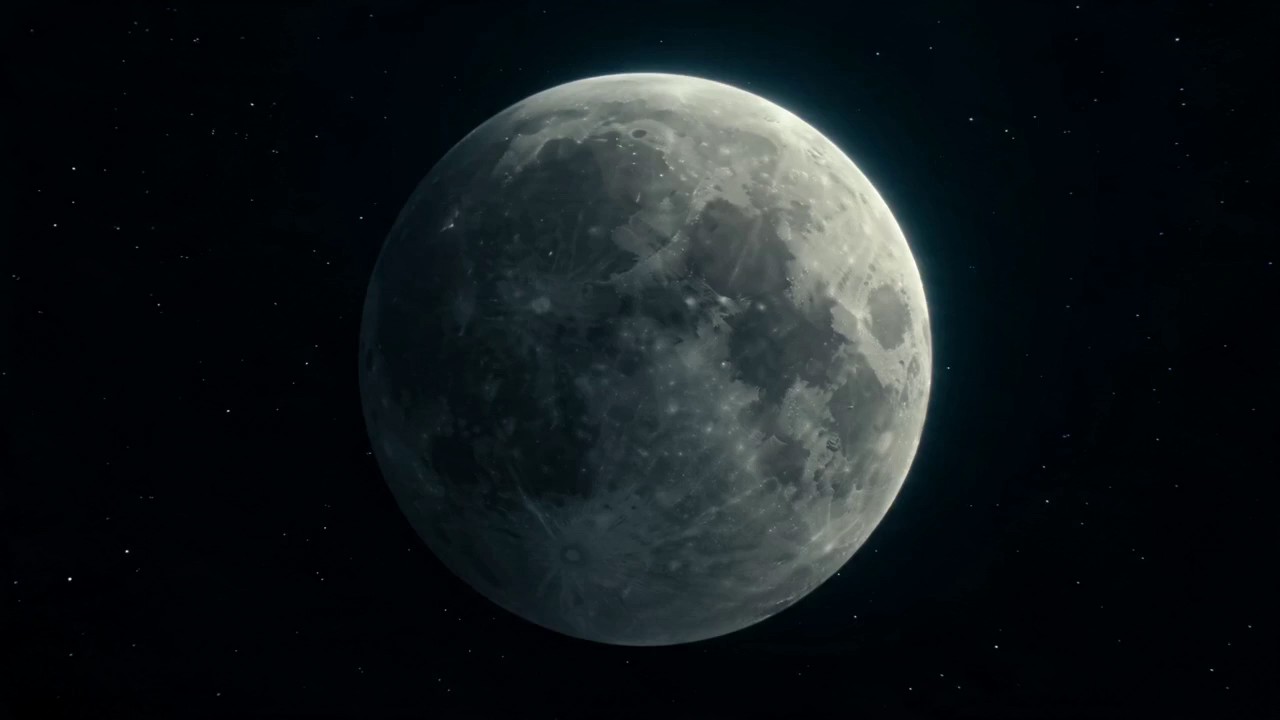
02 · Visual concept

03 · Campaign
04 · Story frame
Creative, end to end
Kaze brings the essential parts of visual creation into a single, directable workspace — so your attention stays on the idea, not the toolchain.
Translate a few words into art direction. Explore bold compositions, branded campaign imagery, character concepts and photoreal worlds in seconds.
Create an image
Restore clarity, improve texture and upscale visuals for sharper, more polished results — without losing the character of the original image.
Enhance an image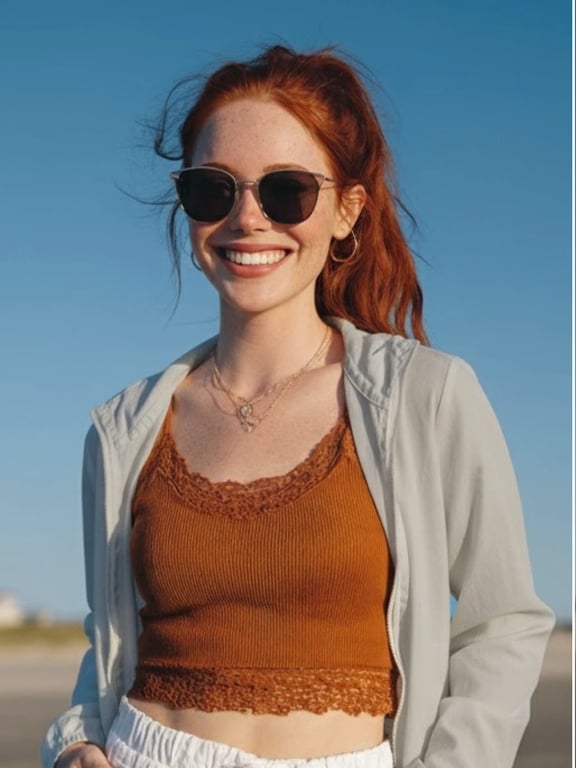
Intelligent enhancement
Sharper detail · Natural texture
Turn prompts and images into expressive motion. Direct the camera, define the rhythm and build cinematic sequences for campaigns, stories and social content.
Direct a video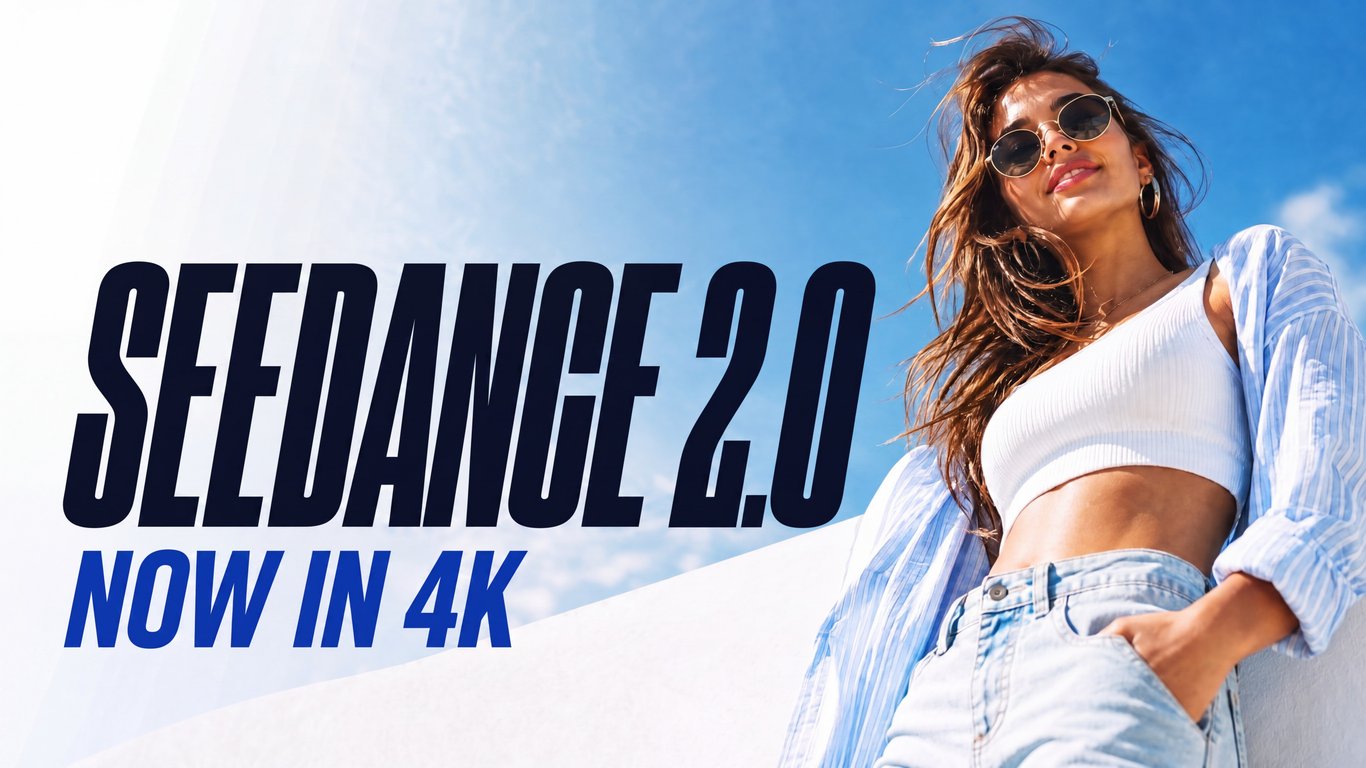
A lighter way to create
Kaze is designed to disappear into the creative process. Start anywhere, direct in plain language and keep iterating until it feels right.
Write a prompt or bring an existing image. Kaze understands the visual intent and gives you a strong place to start.
Compare variations, refine the prompt and enhance the best frame. Each iteration moves the visual closer to the intended result.
Frame the result for social, campaigns, product pages or stories, with high-quality output ready for the next step.
Frequently asked questions
Clear answers about Kaze AI, its visual creation tools and the workflow from first prompt to finished concept.
Kaze AI is a visual creative studio for generating AI images, improving existing visuals and directing AI video concepts in one streamlined workflow. It is designed to help creators move from an idea to a polished visual without switching between disconnected tools.
Kaze AI brings text-to-image generation, one-click background removal, AI upscaling and photo restoration into the same creative experience. You can start with a prompt or an existing image, then refine clarity, texture and composition.
Yes. Kaze AI supports text-to-video and image-to-video workflows for cinematic motion. Describe the scene, camera movement, lighting and pacing in natural language, or begin with a strong still frame and develop it into a moving concept.
Kaze AI is designed for creators, designers, marketers and storytellers developing social content, campaign visuals, product concepts, character ideas and cinematic story frames. Its focused workflow makes rapid visual exploration easier.
Start with a text prompt or reference image, compare creative directions, refine the strongest result, and enhance the final frame. From there, prepare the visual for social media, campaigns, product pages or an AI video sequence.
Your next frame starts here
Bring the thought. Kaze gives you the space to see it, shape it and set it in motion.
Start creating